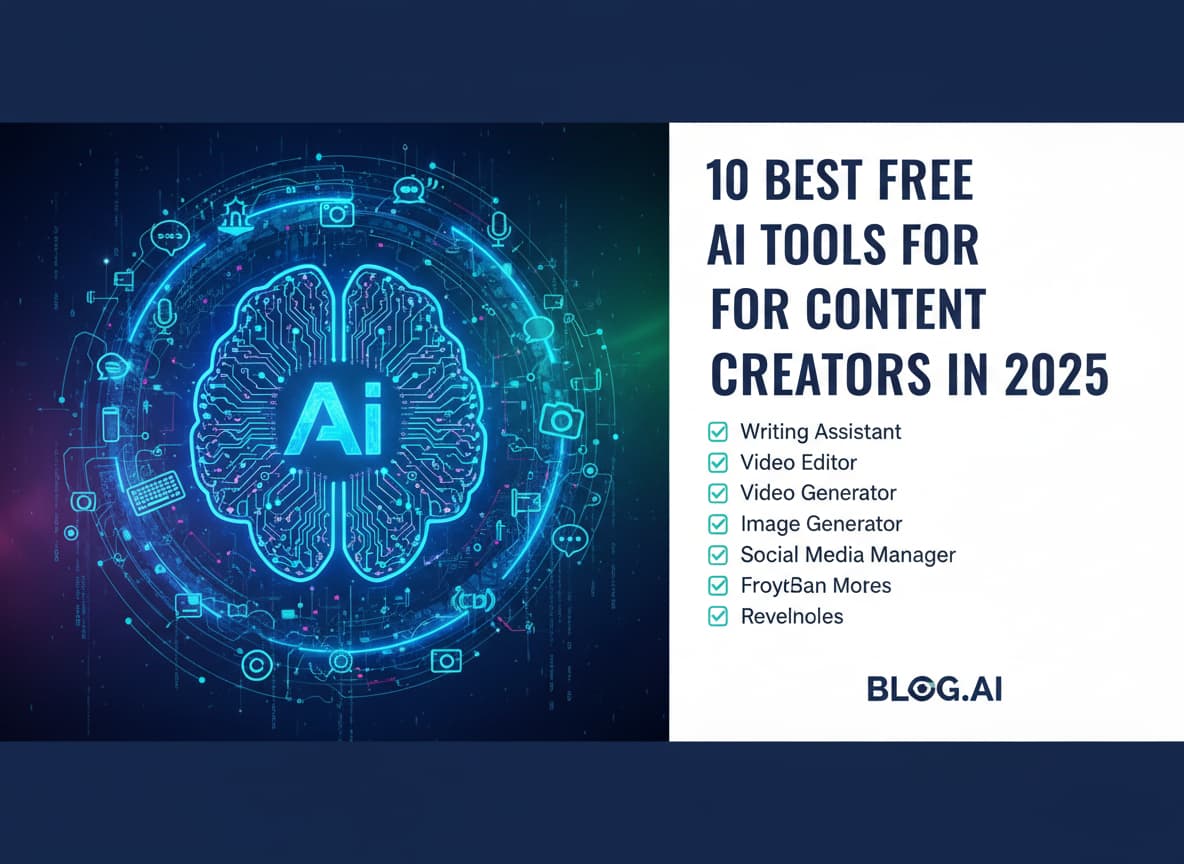
10 Best Free AI Tools for Content Creators in 2025
- 1. ChatGPT: The Ultimate Creative Assistant
- 2. Canva: The All-In-One Design Studio
- 3. CapCut: The King of Viral Video Editing
- 4. Google Gemini: The Research Powerhouse
- 5. Leonardo.ai: Artistic Image Generation
- 6. Adobe Podcast Enhance: Studio Sound for Everyone
- 7. Perplexity AI: The Fact-Checker
- 8. DaVinci Resolve: The Hollywood Editor
- 9. Microsoft Designer: The Easy Graphic Tool
- 10. Claude: The "Human" Writer
- Conclusion
The world of content creation is moving faster than ever. In 2025, it is no longer enough to just work hard; you have to work smart. If you are a YouTuber, a blogger, a social media manager, or just someone who loves to share ideas online, Artificial Intelligence (AI) is your new best friend. The good news is that you do not need a huge budget to get started. There are powerful, free AI tools available right now that can help you write better, design faster, and edit like a pro.
This article will guide you through the 10 best free AI tools for content creators in 2025. We will look at what each tool does, its best features, and how you can use it to grow your audience without spending a single penny.
1. ChatGPT: The Ultimate Creative Assistant
We have to start with the most famous name in the game. ChatGPT, developed by OpenAI, has evolved significantly by 2025. It is no longer just a chatbot; it is a full creative partner. While there is a paid version, the free version of ChatGPT is incredibly powerful and offers more features than ever before.
What It Does ChatGPT creates text based on your instructions. It can write blog posts, video scripts, social media captions, and even emails. It acts like a second brain that never gets tired.
Key Features for Creators
- Brainstorming Ideas: If you are stuck and do not know what to post, simply ask ChatGPT for “10 unique video ideas for a tech channel” or “5 controversial topics for a food blog.”
- Scriptwriting: It can format text into a proper YouTube video script, complete with intro hooks and calls to action.
- Repurposing Content: You can paste a long article and ask it to “turn this into a Twitter thread” or “summarize this for an Instagram caption.”
Why It Is Great for 2025 In 2025, the free model is faster and smarter. It understands context better, meaning it sounds less robotic and more like a human helper. For any creator, this is the first tool you should open every morning.
2. Canva: The All-In-One Design Studio
If you have been on the internet, you have likely heard of Canva. But did you know that Canva has become an AI powerhouse? It is not just for drag-and-drop design anymore. The “Magic Studio” features inside Canva have revolutionized how beginners create professional graphics.
What It Does Canva helps you create visuals. From YouTube thumbnails to Instagram stories and blog banners, it covers everything. The AI features help you generate images and edit photos instantly.
Key Features for Creators
- Magic Edit: You can brush over a part of your photo and ask AI to change it. Want to change a red shirt to a blue one? Just type it in.
- Text-to-Image: If you need a specific photo but cannot find it, you can describe it, and Canva will generate it for you.
- Magic Write: This is built into their docs. It helps you rewrite text or expand on headlines directly within your design.
Why It Is Great for 2025 Canva’s free plan is still very generous. While some premium AI features are locked, the basic AI tools available to free users are enough to make your content look like you hired a professional graphic designer.
3. CapCut: The King of Viral Video Editing
Video is the dominant content format in 2025, and CapCut is the reason why so many creators can edit high-quality videos from their phones or laptops. Originally famous for TikTok trends, the desktop version of CapCut is now a serious contender for the best free video editor.
What It Does CapCut is a video editing software that uses AI to speed up the boring parts of editing. It is perfect for short-form content like Shorts, Reels, and TikToks, but it handles long-form YouTube videos comfortably too.
Key Features for Creators
- Auto Captions: This is a lifesaver. With one click, CapCut listens to your video and generates accurate subtitles. In 2025, most people watch videos on mute, so this is essential.
- AI Background Removal: You do not need a green screen anymore. CapCut can remove your background and replace it with anything you want.
- Text-to-Speech: If you do not want to use your own voice, CapCut offers popular AI voices that sound natural and engaging.
Why It Is Great for 2025 It is free, easy to learn, and incredibly fast. The “Magic” features allow you to turn a raw video into a polished, engaging piece of content in minutes, not hours.
4. Google Gemini: The Research Powerhouse
Google Gemini (formerly Bard) is Google’s answer to AI chat. Since it is connected directly to the internet and the Google ecosystem, it offers something unique for creators who need up-to-date facts.
What It Does Gemini generates text and answers questions, but its superpower is research. It can pull real-time information from Google Search, making it perfect for fact-checking and finding trending topics.
Key Features for Creators
- Real-Time Data: Unlike some other AI tools that have a knowledge cutoff, Gemini knows what happened today. You can ask, “What are the trending tech news stories this week?”
- Workspace Integration: If you use Google Docs or Gmail, Gemini can help you draft content directly inside those apps.
- YouTube Summaries: You can paste a link to a YouTube video, and Gemini can summarize the key points for you, which is great for research.
Why It Is Great for 2025 For tech bloggers and news channels, accuracy is everything. Gemini helps you verify facts and find sources faster than traditional searching.
5. Leonardo.ai: Artistic Image Generation
While tools like Midjourney are paid, Leonardo.ai stands out as the best free alternative for generating high-quality artistic images. If you need stunning visuals for your blog headers or video backgrounds, this is the tool to use.
What It Does Leonardo.ai turns your text descriptions into images. It is known for its ability to create specific styles, from photorealistic portraits to anime and 3D game assets.
Key Features for Creators
- Daily Free Credits: Unlike many competitors, Leonardo gives you a generous amount of free tokens every single day.
- Image Guidance: You can upload a rough sketch or another image to guide the AI, ensuring the result looks exactly how you imagined.
- Canvas Editor: It has a built-in editor where you can “outpaint” (expand) images or fix small details without leaving the site.
Why It Is Great for 2025 The quality of images you can get for free is unmatched. It allows you to create unique branding elements that look expensive but cost you nothing.
6. Adobe Podcast Enhance: Studio Sound for Everyone
Bad audio ruins good video. Viewers might forgive low-quality video, but they will click away if they cannot hear you clearly. Adobe Podcast Enhance is a simple tool that fixes this problem instantly.
What It Does This tool takes your audio recording and uses AI to remove background noise, echo, and weird room sounds. It makes your cheap microphone sound like a professional studio setup.
Key Features for Creators
- One-Click Clean Up: There are no complex settings. You just drag and drop your audio file, and the AI does the rest.
- Mic Check: It also has a tool to help you set up your microphone correctly before you start recording.
- Strength Slider: In 2025, they added a slider so you can control how much “enhancement” is applied, ensuring you do not sound too robotic.
Why It Is Great for 2025 It is completely free and works like magic. For podcasters and YouTubers recording from home, this tool is non-negotiable.
7. Perplexity AI: The Fact-Checker
Perplexity AI is a mix between a chatbot and a search engine. It is designed to give you direct answers with citations, which is crucial for building trust with your audience.
What It Does When you ask Perplexity a question, it searches the web, reads multiple sources, and synthesizes an answer for you. Crucially, it puts little numbers next to each claim so you can click and verify the source.
Key Features for Creators
- Cited Sources: You never have to worry if the AI is hallucinating (making things up) because you can check the source link immediately.
- Deep Search: It is excellent for finding statistics, studies, and expert quotes to back up your blog posts or videos.
- Related Questions: It suggests follow-up questions that can help you expand your content and cover a topic more thoroughly.
Why It Is Great for 2025 In an era of fake news, being a creator who uses verified sources sets you apart. Perplexity makes deep research as easy as chatting with a friend.
8. DaVinci Resolve: The Hollywood Editor
If you have outgrown simple editors and want to make cinematic content, DaVinci Resolve is the answer. While it has a paid “Studio” version, the free version is famously feature-rich and is used by actual Hollywood filmmakers.
What It Does It is a professional-grade video editor that includes editing, color correction, visual effects, and audio post-production all in one software.
Key Features for Creators
- Magic Mask: Use AI to automatically track and mask objects in your video. This is great for adding text behind a person or blurring faces.
- Voice Isolation: Similar to Adobe Podcast, it has built-in AI tools to clean up your audio directly in the timeline.
- Smart Reframe: If you shoot a horizontal video but want to post it as a Reel, AI can automatically keep the subject in the center of the frame.
Why It Is Great for 2025 It has a steep learning curve, but it is the most powerful free software available. If you master DaVinci Resolve, there is no limit to what you can create.
9. Microsoft Designer: The Easy Graphic Tool
Microsoft Designer is often overlooked, but it is a hidden gem. Powered by DALL-E 3 (the same image engine as ChatGPT Plus), it is available for free to anyone with a Microsoft account.
What It Does It is a graphic design app similar to Canva but with a heavy focus on AI generation. It can design social media posts, invitations, and digital art from scratch using text prompts.
Key Features for Creators
- DALL-E 3 Access: You can generate incredibly accurate images using the latest OpenAI technology for free.
- Design Creator: You just type “Instagram post for a coffee shop sale,” and it generates the layout, text, and image all at once.
- Brand Kit: You can upload your own logos and colors so the AI automatically applies your branding to every design.
Why It Is Great for 2025 It is a fantastic backup to Canva and Leonardo. Since it uses DALL-E 3, it understands complex prompts very well, making it easy to get exactly the image you want.
10. Claude: The “Human” Writer
Claude, created by Anthropic, is the main rival to ChatGPT. Many writers prefer Claude because its writing style tends to be more natural, nuanced, and less “clichéd” than other AI models.
What It Does Like ChatGPT, it is a conversational AI. However, Claude is designed to be helpful, harmless, and honest, with a focus on processing large amounts of text.
Key Features for Creators
- Large Context Window: You can paste entire books or long transcripts into Claude, and it will remember everything. This is perfect for summarizing long podcasts or analyzing competitor articles.
- Natural Tone: If you ask Claude to write a blog intro, it often requires less editing than other tools because it mimics human flow better.
- Coding Helper: If you are a tech blogger needing to share code snippets, Claude is exceptional at generating clean, explained code.
Why It Is Great for 2025 For writers who care about style and tone, Claude is often the preferred choice. The free tier gives you access to their smart models, making it a must-have for your writing toolkit.
Conclusion
In 2025, the barrier to entry for content creation has never been lower. You do not need expensive gear or a team of employees. With tools like ChatGPT for planning, CapCut for editing, and Canva for design, a single person can build a media empire from their bedroom.
The key to success is not just using these tools, but combining them. Use Perplexity to find a trending topic, Claude to script a video about it, Leonardo.ai to create the thumbnail, and CapCut to edit the final piece.













Post Comment