5 Must-Have Apps for College Students
Going to college in 2025 is about more than just attending lectures and reading textbooks. Today, the smartest students use digital tools to handle their busy lives. Between tracking assignments, managing money, and writing endless papers, things can get overwhelming fast.
The good news is that you don’t need a hundred different apps to stay on top of everything. You just need a few powerful ones. We have researched the best tools available this year to help you study smarter, not harder.
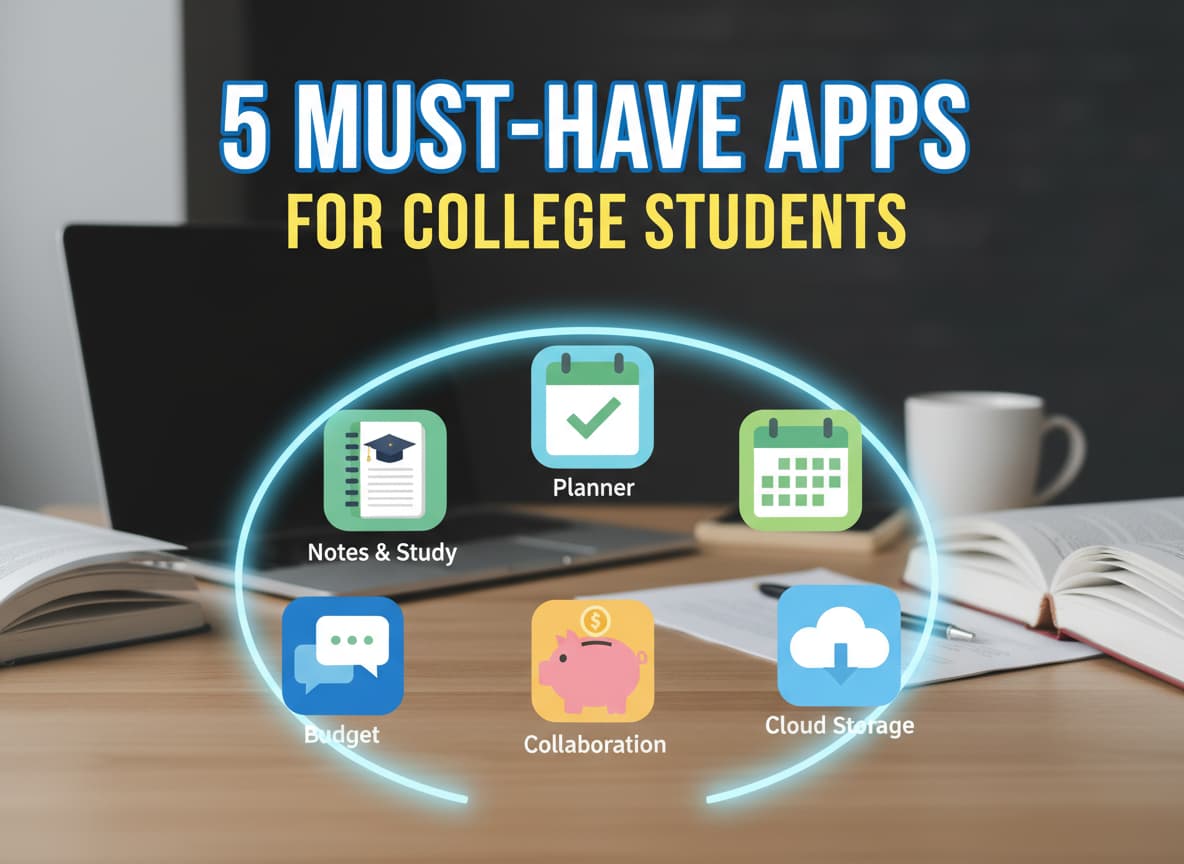
Here are the 5 essential apps every college student needs on their phone right now.
1. Notion: Your All-in-One Digital Brain
In the past, students carried separate notebooks for every class. Now, there is Notion. Think of it as a digital binder that can hold everything in your life. It is not just for taking notes; it is for organizing your entire world.
Why You Need It
Notion is special because it is flexible. You can use it to create a simple to-do list, or you can build a complex database to track all your assignments for the semester. In 2025, it has become the gold standard for student organization because it puts your class schedule, reading lists, and club activities in one place.
Best Features for Students
- Free Plus Plan: This is a huge benefit. If you sign up with your student email address (ending in .edu), you get the “Plus Plan” for free. This usually costs money. It gives you unlimited storage for files and lets you save as many notes as you want.
- Templates: You do not have to build anything from scratch. There are thousands of free templates made just for students. You can find a “Course Schedule” or “Grade Calculator” template and start using it instantly.
- AI Tools: Notion now has AI features that can help summarize long articles or brainstorm ideas for your next essay.
2. PocketGuard: The New King of Budgeting
For years, an app called Mint was the favorite for tracking money. But after it shut down, students needed a new hero. Enter PocketGuard. College is often the first time you have to manage your own money, and it is very easy to overspend on coffee and late-night snacks.
How It Saves You Money
PocketGuard is designed for people who don’t want to spend hours looking at spreadsheets. It connects to your bank account and automatically calculates how much money you actually have “In My Pocket” for the day. It subtracts your bills and savings goals first, so you never accidentally spend your rent money on pizza.
Why It Wins in 2025
- Subscription Tracking: We all have too many subscriptions (like Netflix, Spotify, or Gym memberships). PocketGuard finds them all and lists them for you, so you can cancel the ones you forgot about.
- Simple Limits: You can set a spending limit for categories like “Eating Out” or “Shopping.” The app will warn you when you are getting close to that limit.
- Free vs. Paid: The basic version is free and works well for most students. If you want extra features, the “Plus” version costs around $34.99 a year, which is affordable compared to other apps.
3. Google Calendar: The Master of Time
You might think a calendar app is boring, but Google Calendar is the secret weapon of straight-A students. In college, your schedule changes every day. You have classes, club meetings, work shifts, and social events. Relying on your memory is a recipe for disaster.
The Power of “Time Blocking”
Successful students use a method called time blocking. Instead of just writing a to-do list, you schedule specific times to do your homework. For example, you might block out “Study History” from 2:00 PM to 4:00 PM on Tuesday.
Hidden Tricks
- Integration: It works perfectly with Google Classroom and Gmail. If a professor emails you a Zoom link for a lecture, it often appears on your calendar automatically.
- Color Coding: You can make all your Biology classes green and your English classes blue. This lets you see at a glance what your day looks like.
- Reminders: Set notifications for 30 minutes before a big exam or a deadline so you never get caught by surprise.
4. Grammarly: Your Personal Editor
Writing is a huge part of the college experience. No matter what your major is, you will have to write essays, emails to professors, and research papers. Grammarly acts like a strict English teacher who sits inside your computer.
More Than Just Spell Check
Your computer’s built-in spell checker catches simple mistakes, but Grammarly goes much deeper. It looks at the tone of your writing. It can tell you if you sound too casual, too aggressive, or not confident enough. This is crucial when emailing a professor or applying for an internship.
Free vs. Premium
- The Free Version: This version is great for catching typos and basic grammar errors. For most daily tasks, it is enough.
- The Premium Version: This unlocks advanced features like a plagiarism checker, which makes sure you didn’t accidentally copy text without citing it. It also helps rewrite messy sentences to make them clearer. While it costs money, many students find it worth the investment for their final thesis or major projects.
5. Quizlet: The Ultimate Study Buddy
When it is time to memorize definitions, dates, or formulas, flashcards are the best method. Quizlet takes the old stack of paper index cards and puts them on your phone, making studying interactive and even fun.
Study Anywhere
The best thing about Quizlet is portability. You can review your chemistry terms while waiting for the bus or standing in line for lunch. Turning these small “dead times” into study sessions can save you hours of work later.
Smart Features
- Learn Mode: This feature uses AI to track which cards you know well and which ones you struggle with. It will show you the hard cards more often until you master them.
- Community Sets: You don’t always have to make your own cards. Millions of students use Quizlet, so there is a good chance someone has already made a set for your specific textbook or class topic.
- Alternative: If you want a completely free option for serious memorization, you can also try an app called Anki. It is less pretty than Quizlet, but very powerful for long-term learning.
Conclusion
College is a marathon, not a sprint. Having the right tools can keep you from burning out. By using Notion to organize, PocketGuard to budget, Google Calendar to schedule, Grammarly to write, and Quizlet to study, you are setting yourself up for success.
Download these apps today, spend a little time setting them up, and watch how much easier your semester becomes. Good luck!












Post Comment