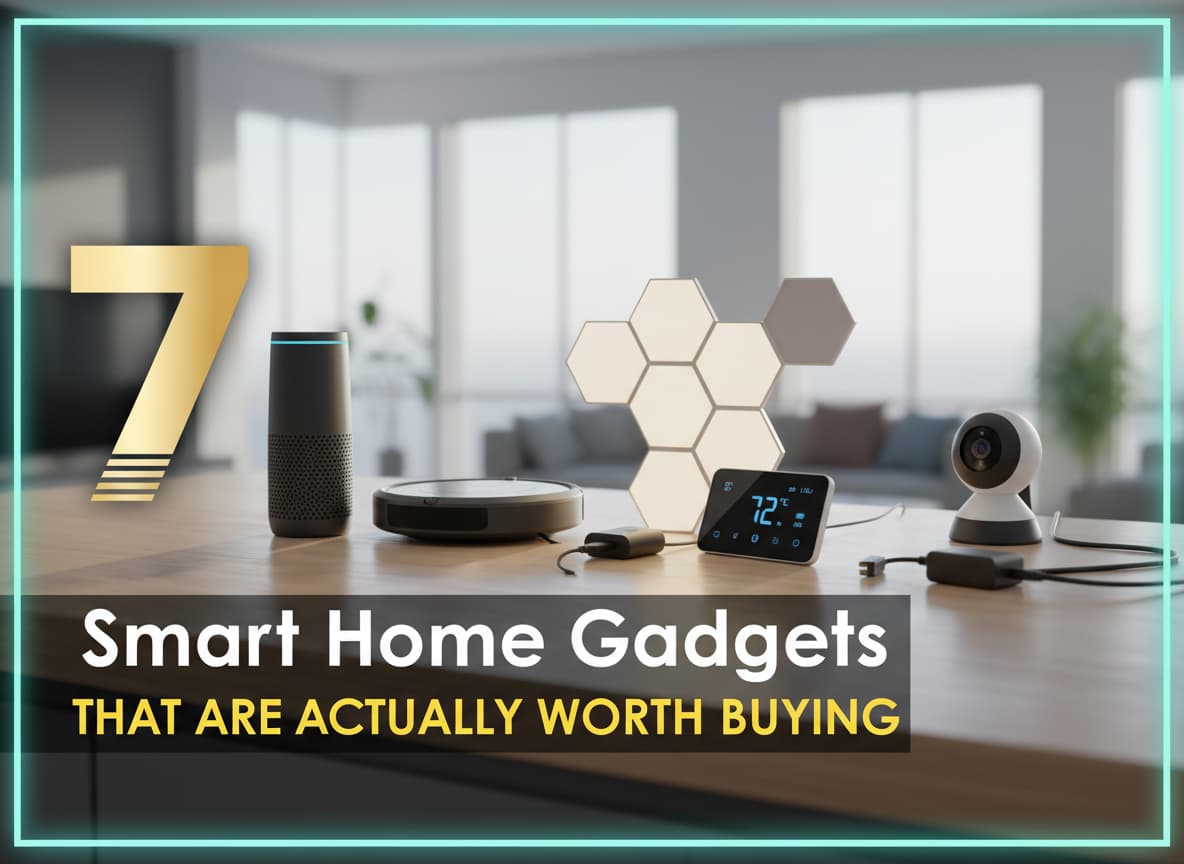
7 Smart Home Gadgets That Are Actually Worth Buying
- 1. The Smart Thermostat: Your Money-Saving Best Friend
- 2. The Robot Vacuum: Buying Back Your Time
- 3. Smart Video Doorbells: The 24/7 Security Guard
- 4. Smart Plugs: Making "Dumb" Devices Smart
- 5. Smart Lighting: More Than Just Color Changing
- 6. Smart Locks: Never Fumble for Keys Again
- 7. Smart Water Leak Detectors: The Unsung Hero
- Common "Pain Points" to Watch Out For
- Conclusion: Start Small
For years, “Smart Home” technology felt like a futuristic toy. We saw ads for fridges that could tweet and toilets that had Bluetooth speakers. It was fun, but it wasn’t useful. Many people bought expensive gadgets only to find they were complicated to set up and annoying to use.
But in 2025, things are different. The technology has matured. We have moved past the “gimmick” phase and into the “utility” phase. The best smart home devices today are not about showing off to your friends; they are about saving you money on electricity, keeping your family safe, and doing the chores you hate.
If you are tired of tech that just collects dust, this guide is for you. We have filtered out the toys and found the 7 smart home gadgets that are actually worth your hard-earned money.
1. The Smart Thermostat: Your Money-Saving Best Friend
If you only buy one smart device, make it a thermostat. Why? Because it is one of the few gadgets that will eventually pay for itself.
Why It Is Actually Useful
Old thermostats are “dumb.” They heat your house even when you are at work or on vacation. A smart thermostat learns your schedule. It knows when you leave the house and automatically turns down the heat or AC to save energy. It can even detect if you are in a specific room and adjust the temperature to make that room comfortable, rather than wasting energy heating an empty hallway.
Most users report saving between 10% to 23% on their annual energy bills. In a few years, those savings cover the cost of the device.
Top Recommendations
- The Premium Pick: Ecobee Smart Thermostat Premium. This is widely considered the best option. It comes with a separate sensor you can place in your bedroom. This ensures your bedroom is the perfect temperature at night, not just the hallway where the thermostat usually sits. It also has an air quality monitor.
- The Budget Pick: Amazon Smart Thermostat. It is simple, affordable (often under $60), and does the basic job of scheduling heating and cooling perfectly.
2. The Robot Vacuum: Buying Back Your Time
Vacuuming is a chore that never ends. You do it on Sunday, and by Tuesday, the floor is dirty again. A robot vacuum is not just a cleaning tool; it is a time machine. It gives you back 2-3 hours of your life every week.
Why It Is Actually Useful
Early robot vacuums were clumsy. They would bump into walls, get stuck on cords, and miss spots. The new generation (2024-2025 models) uses “LiDAR” technology. This is the same laser technology used in self-driving cars. They map your house perfectly, clean in straight lines, and avoid dog toys or shoes left on the floor.
Many new models also come with “Self-Emptying Bases.” When the robot is full, it goes back to its charging station and sucks the dirt into a larger bag. You only have to empty the station once every 60 days.
Top Recommendations
- The Premium Pick: Roborock S8 Series. These machines are incredible. They vacuum and mop at the same time, and the AI obstacle avoidance is top-tier. You rarely have to rescue it from getting stuck.
- The Budget Pick: Eufy RoboVac 11S. It doesn’t have fancy lasers or maps, but it is slim, quiet, and very cheap. It bounces around randomly, but if you run it every day, your floors stay clean.
3. Smart Video Doorbells: The 24/7 Security Guard
The front door is the main entry point for your home, yet most of us have no idea what happens there when we are away. A video doorbell changes that instantly.
Why It Is Actually Useful
This gadget provides peace of mind. If a package is stolen, you have video evidence. If a stranger is scouting your house, you get an alert on your phone.
The best feature is the “Two-Way Talk.” Imagine you are at work, and a delivery driver arrives with a package that needs a signature. You can answer the doorbell from your office, talk to the driver through your phone, and ask them to leave it with a neighbor. You never miss an important delivery again.
Top Recommendations
- The Best All-Rounder: Ring Video Doorbell (Battery Plus). It is easy to install because you don’t need to mess with electrical wires. You just charge the battery pack once every few months. The video quality is sharp, and the app is very user-friendly.
- The Google Option: Nest Doorbell (Wired). If you already use Google products, this is superior. It has excellent AI that can tell the difference between a person, a package, a vehicle, and an animal, so your phone doesn’t buzz every time a squirrel runs past.
4. Smart Plugs: Making “Dumb” Devices Smart
You don’t need to replace all your appliances to have a smart home. A smart plug is a small adapter that fits into your wall outlet. You plug a regular device (like a lamp or a coffee maker) into it, and suddenly, you can control that device with your phone.
Why It Is Actually Useful
Smart plugs are the “Swiss Army Knife” of home automation. Here are three practical ways to use them:
- The “Did I leave it on?” Cure: Plug your hair straightener or iron into a smart plug. If you leave the house and panic that you left the iron on, you can check your phone and turn it off remotely.
- Holiday Lights: Instead of crawling under the Christmas tree to plug it in every night, you can set a schedule so the lights turn on at sunset automatically.
- Hard-to-Reach Lamps: If you have a lamp behind a sofa that is hard to reach, a smart plug lets you turn it on with your voice.
Top Recommendations
- The Reliable Choice: TP-Link Kasa Smart Plug Mini. These are small enough that they don’t block the other outlet on your wall. They connect to Wi-Fi quickly and rarely lose connection.
- The Simple Choice: Amazon Smart Plug. If you use Alexa, this is the easiest setup. You plug it in, and Alexa often recognizes it instantly without you pressing a single button.
5. Smart Lighting: More Than Just Color Changing
When people think of smart lights, they think of changing their living room to neon pink for a party. While that is fun, the real value lies in automation and comfort.
Why It Is Actually Useful
Smart bulbs allow you to adjust the “temperature” of the light. Bright, blue-white light is great for concentrating during the day, but it ruins your sleep at night. Smart lights can automatically shift to a warm, golden glow as the sun sets, helping your body relax.
They also add security. You can use a “Vacation Mode” feature where your lights turn on and off randomly while you are away, making it look like someone is home to deter burglars.
Top Recommendations
- The Premium System: Philips Hue. These are expensive, but they are the gold standard. They last for years, the colors are vibrant, and they work even if your internet goes down (thanks to a dedicated hub).
- The Wi-Fi Option: Govee Smart Bulbs. These are much cheaper and connect directly to your Wi-Fi without needing an extra hub box. They are great for bedrooms and gaming rooms.
6. Smart Locks: Never Fumble for Keys Again
Carrying a jagged piece of metal in your pocket to open your house is an outdated concept. Smart locks bring the convenience of your car key fob to your front door.
Why It Is Actually Useful
The biggest benefit is “Auto-Unlock.” When you drive up to your house with your hands full of groceries, the lock detects your phone via Bluetooth and unlocks the door for you. You can just walk right in.
It is also safer for guests. Instead of hiding a key under the doormat (which thieves check first), you can give your pet sitter or family member a temporary digital code. You can set the code to work only between 9 AM and 5 PM, and you can delete it the moment they no longer need access.
Top Recommendations
- The Retrofit Pick: August Wi-Fi Smart Lock. This is brilliant because it fits over your existing deadbolt on the inside of the door. From the outside, your door looks exactly the same, and your old physical key still works. This is perfect for renters who cannot change the outside locks.
- The Keypad Pick: Yale Assure Lock 2. This replaces the whole lock and gives you a sleek touchscreen keypad. It’s great for families with kids who might lose their phones or keys—they just type in a code to get in.
7. Smart Water Leak Detectors: The Unsung Hero
This is the least “sexy” gadget on this list, but it is the one that can save you the most money. A burst pipe or a leaking washing machine can cause thousands of dollars in water damage in just a few hours.
Why It Is Actually Useful
These small sensors sit on the floor near your water heater, toilet, or washing machine. They have metal contacts on the bottom. If water touches them, they scream a loud alarm and instantly send a notification to your phone.
If you catch a leak in the first 5 minutes, it’s a cleanup with a towel. If you catch it after 5 hours, it’s a flooded basement and an insurance claim.
Top Recommendation
- The Best Pick: YoLink Smart Leak Sensor. These use a special long-range wireless technology (LoRa) that can punch through walls and basements where Wi-Fi struggles to reach. They are affordable and the batteries last for years.
Common “Pain Points” to Watch Out For
Before you buy these gadgets, it is important to be realistic. Smart home tech is not perfect. Here are three things you should know so you don’t get frustrated.
1. The “Subscription Trap”
Some companies sell cheap hardware but force you to pay a monthly fee to use it. For example, many security cameras require a subscription to save video clips. If you don’t pay, you can only see the live view. Always check if a device requires a subscription before you buy.
2. Wi-Fi Congestion
If you buy 50 smart bulbs and connect them all to your Wi-Fi router, your internet might slow down. Your router isn’t designed to talk to that many devices at once.
- The Fix: For lights and sensors, try to buy devices that use a “Hub” (like Philips Hue) or the new “Matter/Thread” standard. These create their own separate network and don’t clog up your Wi-Fi.
3. App Fatigue
Having a different app for your bulbs, your vacuum, and your lock is annoying.
- The Fix: Choose one “Ecosystem” to control them all. Apple HomeKit, Google Home, and Amazon Alexa are the big three. Make sure every device you buy says “Works with [Your Ecosystem]” on the box. This lets you control everything from one single app.
Conclusion: Start Small
You do not need to turn your home into a spaceship overnight. The best way to build a smart home is to solve one problem at a time.
Do you hate walking into a dark house? Buy a smart bulb for the hallway. Do you worry about your heating bill? Get a smart thermostat. Do you hate vacuuming? Save up for a robot vacuum.
The “Smart Home” in 2025 isn’t about gimmicks. It is about gadgets that work quietly in the background to make your life a little bit easier, a little bit safer, and a little bit more comfortable. If a gadget doesn’t do one of those three things, it isn’t smart—it’s just a toy.














Post Comment