The Best Mechanical Keyboards for Typing and Gaming
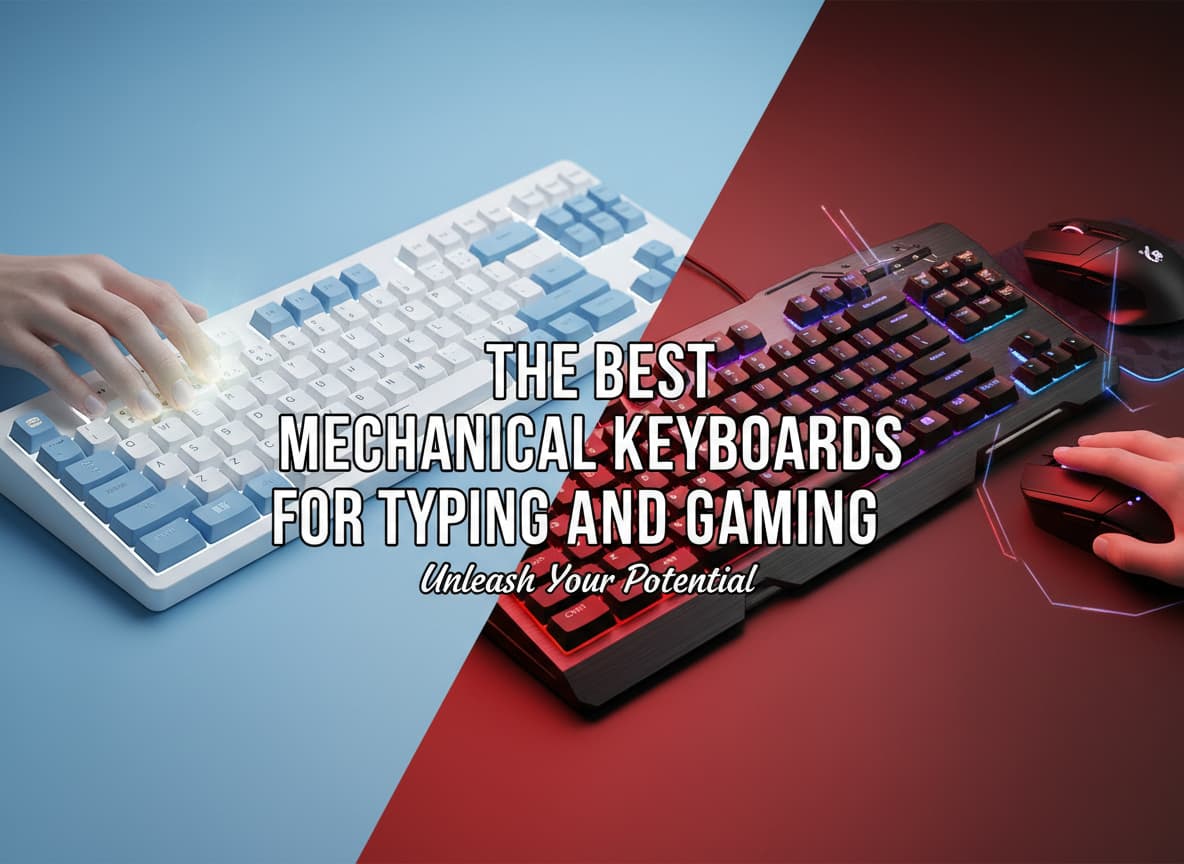
In the past, you had to make a difficult choice. You could buy a “gaming keyboard” that was fast but felt like cheap plastic, or you could buy a “typing keyboard” that felt amazing but was too slow for competitive games. Those days are over. In 2025, the line between work and play has blurred. The best new mechanical keyboards are hybrids. They are fast enough for pro gamers and comfortable enough for writers who type thousands of words a day.
If you use the same desk for working from home and gaming at night, you need a keyboard that can do both perfectly. You need a device that sounds good, feels satisfying, and responds instantly.
In this guide, we will explore the best mechanical keyboards you can buy right now. We will look at expensive premium boards, budget-friendly options, and the new technology that is changing everything. We will use simple English to explain complex terms so you can make the right choice for your setup.
What to Look For: A Simple Guide
Before we look at the specific models, it is important to understand three key terms. If you know these, you will understand 90% of keyboard marketing.
1. The Switch Type
The switch is the mechanism under the keycap. It determines how the key feels when you press it.
- Linear Switches (Red/Yellow): These are smooth. There is no bump or click. They go straight down. Gamers love them because they are fast and consistent.
- Tactile Switches (Brown): These have a small “bump” when you press them. This bump tells your finger that the key has been registered. Typists love these because it helps reduce mistakes.
- Clicky Switches (Blue): These are loud and make a “click” sound. They are fun for typing alone but can be very annoying to other people in the room or on voice chat.
- Hall Effect (Magnetic) Switches: This is the new “king” of 2025 technology. Instead of metal contacts touching, these switches use magnets to detect a keypress. They are smoother, last longer, and you can adjust their sensitivity using software.
2. The Layout
- Full-Size (100%): Has a number pad on the right. Good for data entry and work.
- Tenkeyless (TKL): Has no number pad, but keeps the arrow keys and function row. This gives you more room for your mouse.
- 75%: A very popular compact size. It keeps the arrow keys and F-row but squishes them together to save space.
- 60%: Very small. No arrow keys, no number pad, no F-row. Great for pure gaming, but hard to use for work.
3. Build Quality and Sound
A cheap keyboard sounds hollow and plastic. A premium keyboard sounds “thocky” or “creamy.” This deep, solid sound comes from using heavy materials like aluminum and soft internal layers called “gaskets” and “foam.” These layers absorb the vibration, making typing feel softer and sound better.
1. The Best All-Rounder: Keychron Q1 HE
If you want one keyboard that does absolutely everything perfectly, this is it. Keychron has been famous for making great typing keyboards for years. Now, with the Q1 HE, they have added gaming superpowers.
Why It Is Great for Typing
The Q1 HE is built like a tank. It has a heavy aluminum body that stays planted on your desk. Inside, it uses a “double-gasket” design. This means the inner plate is held by soft foam pads, so when you type, the keys have a slight, cushioned bounce. It feels incredibly premium and does not tire your fingers out. The sound is deep and satisfying, not high-pitched or rattly.
Why It Is Great for Gaming
This keyboard uses the new Hall Effect magnetic switches. Because they use magnets, you can change how they behave.
- Rapid Trigger: In normal keyboards, you have to let the key go all the way up before you can press it again. With Rapid Trigger, the key resets the moment you lift your finger even a tiny bit. This allows you to strafe (move side-to-side) in shooting games much faster than a human could normally do.
- Adjustable Actuation: You can set the keys to react to the lightest touch (0.1mm) for gaming, or require a deep press (2.0mm) for typing so you don’t make typos.
Verdict: It is expensive, but it replaces the need to own two separate keyboards. It is the perfect hybrid.
2. The Speed King: Wooting 60HE+
If you care about winning in competitive games like Counter-Strike or Valorant more than anything else, the Wooting 60HE+ is the undisputed champion. This is the keyboard that started the “magnetic switch” revolution.
Pure Performance
The Wooting is famous for its software. It is incredibly fast and responsive. Its Rapid Trigger technology is widely considered the best in the world. It feels instant. When you stop pressing a key, your character stops moving immediately. There is no delay. This gives you a massive advantage in fast-paced games.
Is It Good for Typing?
It is decent, but not amazing. The layout is 60%, which means it does not have dedicated arrow keys. If you are writing a long essay or using Excel, missing arrow keys can be frustrating. You have to hold a “Function” key to use arrows. The typing feel is smooth because of the magnetic switches, but the case is made of plastic (unless you buy the expensive module version), so it doesn’t sound as premium as the Keychron.
Verdict: Buy this if you are a competitive gamer first and a typist second.
3. The Mainstream Premium Choice: SteelSeries Apex Pro Gen 3
Maybe you don’t want to build a custom keyboard or mess with complex software. You just want to go to a store, buy a box, and have it work. The SteelSeries Apex Pro (Gen 3) is the best choice for the average user who wants high-end features.
Features Galore
This keyboard has everything. It has a magnetic wrist rest for comfort. It has a small OLED screen in the top right corner that can show you notifications, your volume level, or even a funny GIF. It also has a dedicated volume wheel, which is very convenient.
The OmniPoint Switches
SteelSeries uses its own version of magnetic switches called OmniPoint 3.0. Like the Keychron and Wooting, you can adjust the sensitivity. You can make the WASD keys super sensitive for movement, but keep the other keys normal for typing.
The typing experience is good, but it still feels a bit more “gamey” than the enthusiast boards. The keycaps are high quality, and the RGB lighting is bright and beautiful, which is great if you love a colorful setup.
Verdict: The best “big brand” keyboard that is easy to find and easy to use.
4. The Best Budget Keyboard: Aula F75
You do not need to spend $200 to get a great experience. In 2025, the budget keyboard market is incredible. The Aula F75 is shocking because it costs around $60-$70 but feels like it costs $150.
Why It Is a Steal
Most cheap keyboards feel hollow and loud. The Aula F75 comes “pre-lubed” from the factory. This means the switches have smooth oil inside them so they glide perfectly. It also has multiple layers of sound-dampening foam inside. The result is a “creamy” sound that enthusiasts love. It sounds like raindrops hitting a wooden window.
Gaming Performance
It is wireless (using a fast 2.4GHz dongle) and has very low latency. While it does not have the fancy magnetic switches of the expensive models, the standard mechanical switches are still very fast. The 75% layout is perfect for gaming because it leaves plenty of room for your mouse but still keeps the F-keys and arrow keys.
Verdict: The best value for money. It beats keyboards that cost twice as much.
5. Best for Wireless & Travel: NuPhy Air75 V2
Some people don’t like big, tall, chunky keyboards. If you are used to a laptop keyboard, or if you travel a lot, the NuPhy Air75 V2 is the best “Low-Profile” mechanical keyboard.
Slim and Stylish
“Low-profile” means the switches and keycaps are half the height of a normal keyboard. This makes it very thin. You don’t need a wrist rest because your hands sit naturally flat on the desk. It is very comfortable for long typing sessions.
Hybrid Power
Despite being thin, it is a beast. It connects to up to three devices via Bluetooth (like your laptop, iPad, and phone) and one device via a fast wireless dongle for gaming. You can switch between them with a single button press. The typing feel is snappy and tactile. It is much better than a MacBook keyboard or a standard office keyboard. It is small enough to throw in a backpack, making it perfect for hybrid workers.
Verdict: The best choice for digital nomads and laptop users.
Buying Guide: How to Decide?
If you are still unsure, ask yourself these three questions.
1. Do you play competitive shooters? If the answer is yes, you really should get a Hall Effect (Magnetic) keyboard. The ability to use “Rapid Trigger” is a genuine competitive advantage.
- Top Picks: Wooting 60HE, Keychron Q1 HE, SteelSeries Apex Pro.
2. Do you type for more than 4 hours a day? If you are a programmer or writer, sound and feel are more important than speed. You want a “Gasket Mount” keyboard. This cushion will save your fingers from pain.
- Top Picks: Keychron Q1 HE, Aula F75, NuPhy Air75.
3. Do you hate wires? If you want a clean desk, look for “Tri-Mode” connectivity. This means the keyboard has Bluetooth, 2.4GHz Wireless (fast for gaming), and a wired mode.
- Top Picks: NuPhy Air75 V2, Aula F75, Keychron V-Max series.
Summary
The world of mechanical keyboards in 2025 is exciting. We no longer have to choose between “fast” and “comfortable.”
- For the absolute best technology and build quality, get the Keychron Q1 HE.
- For pure competitive gaming speed, get the Wooting 60HE+.
- For a premium experience with lots of features, get the SteelSeries Apex Pro.
- For an incredible experience on a budget, get the Aula F75.
Whichever one you choose, it will be a massive upgrade over the standard plastic keyboard that came with your computer. Your fingers will thank you.













Post Comment