Canva vs. Photoshop: Which Design Tool is Right for You?
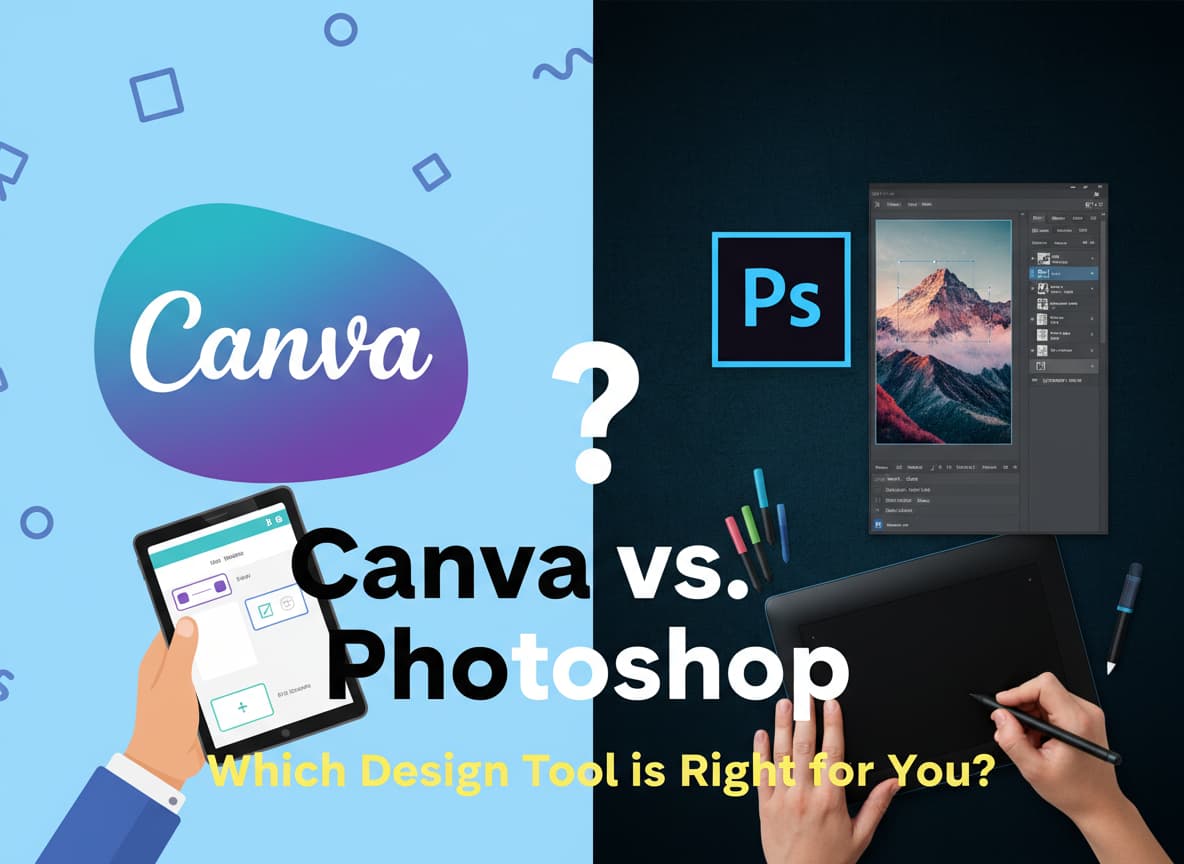
In the world of digital design, there is a massive battle happening. On one side, you have Adobe Photoshop, the legendary grandfather of image editing that has been the industry standard for over 30 years. On the other side, you have Canva, the colorful, friendly challenger that has taken the internet by storm.
If you asked a professional designer five years ago, “Canva or Photoshop?”, they would have laughed. They would say Photoshop is the only real choice. But in late 2025, that answer has changed. Canva has added powerful “Magic” AI tools, and Photoshop has added “Generative” AI features that make it easier to use.
So, which one should you actually pay for? Do you need the raw power of Photoshop, or is the speed of Canva enough?
This article will break down the battle between these two giants. We will look at their features, their prices, their new AI powers, and help you decide which one is perfect for your needs.
The Quick Answer: Who Wins?
Before we dive deep, let’s look at the simple truth.
- Choose Canva if: You are a social media manager, a small business owner, or a student. If you need to make a poster, an Instagram post, or a presentation fast, Canva is the winner. It is cheaper, easier, and has millions of templates ready to go.
- Choose Photoshop if: You are a professional photographer, a graphic artist, or someone who needs total control. If you need to edit a photo pixel-by-pixel, change the lighting on a face, or create complex digital art from scratch, Photoshop is the only choice.
Round 1: Ease of Use (The Learning Curve)
This is the biggest difference between the two.
Canva: The “Drag and Drop” King Canva is built for non-designers. You do not need to read a manual to use it. You simply open the website, pick a template (like “YouTube Thumbnail”), and drag a photo into it.
- Interface: It is clean and simple. All your tools are on the left.
- Speed: You can finish a design in 5 minutes.
- Templates: Canva has millions of pre-made designs. If you need a “Coffee Shop Menu,” you just search for it, change the text, and you are done.
Photoshop: The Professional Cockpit Photoshop is like the cockpit of a fighter jet. There are buttons, menus, and panels everywhere. It is intimidating for beginners.
- Blank Canvas: Photoshop does not hold your hand. You usually start with a blank white box and have to build everything yourself.
- Layers: Photoshop relies on “layers.” You have to understand how to stack images on top of each other, use “masks” to hide parts of them, and use “adjustment layers” to change colors. It can take months to master.
Winner: Canva (by a mile).
Round 2: The Price Battle (2025 Costs)
In late 2025, money is a huge factor. Let’s look at what these tools actually cost.
Canva Pricing
- Free Plan: Canva has an incredible free version. You get access to thousands of templates and photos. For many people, the free version is enough.
- Canva Pro: This costs about $15 per month (or around $120 a year). This unlocks the “Magic” AI tools, removes the background from photos with one click, and gives you access to 100 million premium stock photos.
Photoshop Pricing
- No Free Plan: You cannot own Photoshop for free. You must pay a subscription.
- Photography Plan: The cheapest way to get Photoshop is the “Photography Plan,” which is about $20 per month. This gives you Photoshop and Lightroom.
- Creative Cloud All Apps: If you want all of Adobe’s apps, it costs nearly $60 per month.
- Cancellation Fees: Be careful! Adobe often charges a “cancellation fee” if you try to quit your annual contract early. Canva usually lets you cancel anytime without a penalty.
Winner: Canva (It is cheaper and has a usable free version).
Round 3: The “AI” Revolution (Magic vs. Firefly)
In 2025, both companies are fighting to see who has the best Artificial Intelligence. This has leveled the playing field significantly.
Canva’s “Magic Studio” Canva’s AI is designed for speed.
- Magic Switch: You can turn an Instagram Post into a Presentation with one click. The AI moves the text and images around to fit the new size.
- Magic Eraser: You can brush over a stranger in your photo, and they disappear instantly.
- Magic Write: It has a built-in ChatGPT-style writer. You can ask it to “Write 5 catchy headlines for this coffee ad,” and it will do it right on the canvas.
Photoshop’s “Generative Fill” Photoshop’s AI (called Adobe Firefly) is designed for realism.
- Generative Fill: This is the most famous AI tool in the world right now. You can select an empty part of a photo and type “add a castle on a mountain,” and Photoshop will generate a photorealistic castle that matches the lighting and shadows of your original image perfectly.
- Generative Expand: If you took a vertical photo but need a horizontal one, you can stretch the canvas, and Photoshop will invent the rest of the room. It looks like magic.
Winner: Tie.
- Choose Canva’s AI for fast layout changes and writing help.
- Choose Photoshop’s AI for changing reality in photos.
Round 4: Photo Editing Quality
This is where Photoshop reminds everyone why it is the king.
Canva: Canva is great for adjusting photos, not editing them. You can:
- Add a filter (like “Summer” or “Black and White”).
- Adjust brightness and contrast.
- Remove the background. But you cannot fix a blurry face, remove a specific pimple easily, or change the color of just one person’s shirt while leaving the rest of the photo black and white.
Photoshop: Photoshop allows you to control every single pixel.
- Healing Tools: You can remove wrinkles, dust, or scratches from old photos.
- Color Grading: You can change the specific shade of red in a flower without touching the red in the sunset behind it.
- Compositing: You can take a head from one photo, a body from another, and a background from a third, and blend them together so perfectly that no one can tell it’s fake.
Winner: Photoshop (Undisputed champion).
Round 5: Use Case Scenarios
Let’s look at real-world examples to see which tool you should use.
Scenario A: You need a Logo
- Canva: Do NOT use Canva for logos. Why? Because Canva’s elements are public. If you use a “coffee cup” icon from Canva in your logo, 10,000 other businesses might have that exact same coffee cup. You cannot trademark a logo made with Canva elements.
- Photoshop (or Illustrator): You should use Adobe tools to create a unique logo from scratch.
Scenario B: Social Media Posts
- Canva: This is Canva’s home turf. You can make 10 Instagram posts in 30 minutes using their templates. It is fast, easy, and looks professional.
- Photoshop: It is overkill. Making 10 posts in Photoshop would take you 3 hours because you have to build each one manually.
Scenario C: Printing a Large Banner
- Canva: Canva is getting better at print, but it can be risky. Sometimes the colors on your screen (RGB) do not match the printer colors (CMYK) perfectly.
- Photoshop: Professionals trust Adobe for print. It gives you exact control over color profiles and “bleed lines” so your banner doesn’t get cut off by the printer.
The “Hybrid” Workflow: Using Both?
Here is a secret: Most professional social media managers use both.
They use Photoshop to do the heavy editing (like cutting out a product perfectly or fixing the lighting). Then, they save that image and upload it to Canva. Inside Canva, they add the text, stickers, and animations because it is faster.
If you can afford it, this is the ultimate workflow. But if you have to pick one, follow the verdict below.
Final Verdict
You should buy Canva Pro if:
- You need to create content fast (daily social posts, flyers, presentations).
- You have zero design experience.
- You want to save money.
- You work in a team and need to share templates easily.
You should buy Photoshop if:
- You want to be a professional designer or photographer.
- You need to create original art that no one else has.
- You need to repair old photos or do complex retouching.
- You are willing to spend 10-20 hours learning how to use the software.
In 2025, Canva is the best tool for 90% of people. But for that final 10% of creative magic, Photoshop is still irreplaceable.












Post Comment