Linux vs. Windows: Why You Should Switch (and Why You Shouldn’t)
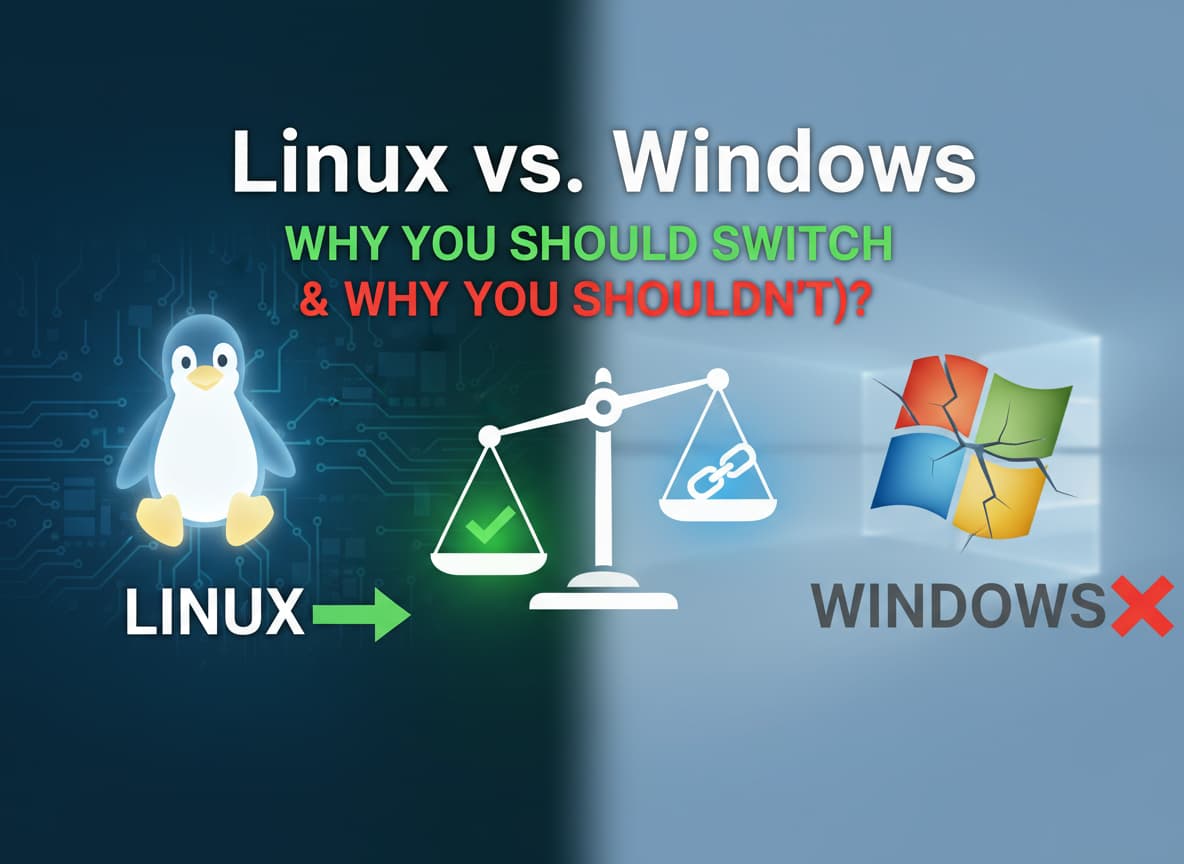
For years, the computer world has been divided into two camps. On one side, you have Windows, the giant that runs on almost every office and school computer. On the other side, you have Linux, the free system built by volunteers that powers the internet but rarely makes it to the family laptop.
In 2025, things are changing. Windows is getting more expensive and full of ads, while Linux is becoming easier to use. You might be hearing friends talk about “switching to Linux” to save their old computers or protect their privacy.
But is it actually a good idea for you?
This guide breaks down the real reasons to leave Windows behind—and the very important reasons why you might need to stay.
Part 1: Why You Should Switch to Linux
If you are tired of your computer acting slow or doing things you didn’t ask it to do, Linux might be the answer. Here are the biggest benefits.
1. It Makes Old Computers Fast Again
This is the number one reason people switch. Windows 11 is a heavy operating system. It runs many background tasks that eat up your memory and processor power. If your laptop is more than four years old, Windows probably feels sluggish.
Linux is incredibly lightweight. Because it doesn’t have “bloatware” (useless pre-installed apps), it runs smoothly on older hardware. Installing a version of Linux like Linux Mint can make a 10-year-old laptop feel brand new. You don’t need to buy a new $800 computer; you just need to change the software.
2. True Privacy (No Spying)
Have you noticed how Windows tracks what you do? It shows you ads in the Start Menu, suggests news articles you didn’t ask for, and collects data to train its AI.
Linux respects your privacy. It does not track your keystrokes. It does not scan your photos to show you ads. It does not send your data to a corporate server. When you use Linux, your computer belongs to you, not a big company.
3. Updates Don’t Annoy You
We all know the pain: You are in the middle of important work, and suddenly Windows says, “Update required. Restarting in 5 minutes.” You can’t stop it.
On Linux, you are in control. You can choose when to update. You can even update the entire system while you keep working, without needing to restart immediately. It respects your time.
4. It is Completely Free
Windows licenses cost over $100. Linux costs $0. Most Linux “Distros” (versions) are free to download and install on as many computers as you want. The software inside is usually free too. Instead of buying Microsoft Office, you use LibreOffice. Instead of Photoshop, you use GIMP. It is a massive money-saver.
5. No Viruses (Mostly)
Linux is built differently than Windows. It is much harder for a virus to infect a Linux computer because the system requires a password for any major change. While no system is 100% immune, you generally don’t need to pay for antivirus software on Linux.
Part 2: Why You Should Stick with Windows
Before you erase your hard drive, you need to know the downsides. Linux is great, but it is not perfect for everyone.
1. The “Anti-Cheat” Problem in Gaming
Thanks to the Steam Deck, gaming on Linux has become amazing. Thousands of games work perfectly. However, there is one big exception: Online Multiplayer Games.
Games like Fortnite, Call of Duty, Valorant, and League of Legends use special “Anti-Cheat” software. This software views Linux as a security risk and will not let you play. If you are a competitive gamer who plays these specific titles, you must stick with Windows.
2. Professional Creative Software
If you are a photographer, designer, or video editor who relies on Adobe Creative Cloud (Photoshop, Premiere, Illustrator), do not switch. Adobe does not make versions of their apps for Linux.
There are alternatives (like GIMP or Krita), but they are different. If your job requires you to use genuine Adobe files or specific proprietary tools, Linux will slow down your workflow.
3. The “It Just Works” Factor
Windows is the standard. If you buy a new printer, it will definitely work with Windows. If you buy a fancy gaming mouse, the software to change the colors is made for Windows.
On Linux, you sometimes have to tinker to get things working. While it is much better in 2025 than it used to be, you might still run into a webcam or a Wi-Fi card that doesn’t work automatically. If you hate troubleshooting and just want plug-and-play, Windows is safer.
4. Microsoft Office Reliance
Does your school or boss require you to use real Microsoft Word or Excel? While you can use the web versions (in a browser), the desktop apps for Office do not run on Linux. The alternatives like LibreOffice are great, but sometimes the formatting looks slightly different. If a 100% perfect match is critical for your job, stay on Windows.
Summary: Which One is For You?
Deciding between the two comes down to what kind of user you are.
Switch to Linux if:
- You mostly use a web browser (Chrome, Firefox) for everything.
- You have an old laptop that is too slow for Windows.
- You are learning programming or web development.
- You care deeply about privacy and hate ads.
Stay on Windows if:
- You play competitive online shooters (Fortnite, COD).
- You need Adobe Photoshop or Microsoft Excel for work.
- You buy the absolute newest hardware on launch day.
- You get frustrated easily when things don’t work instantly.
The Best Way to Try
You don’t have to choose right now. You can try Linux without erasing Windows. Download a beginner-friendly version like Linux Mint or Ubuntu, put it on a USB stick, and try “Live Mode.” It lets you use the system directly from the USB stick to see if you like it.
If you like it, install it. If not, just pull out the USB, and you are back to Windows.














Post Comment