The Best Note-Taking Apps: Notion vs. Evernote vs. Obsidian
In the modern world, our brains are full of information. We have meeting notes, grocery lists, project ideas, and random thoughts. Trying to remember everything is impossible. That is why having a good note-taking app is not just a luxury; it is a necessity.
But choosing the right app is hard. There are hundreds of options, and they all claim to be the best. Today, we are looking at the three biggest names in the game: Notion, Evernote, and Obsidian.
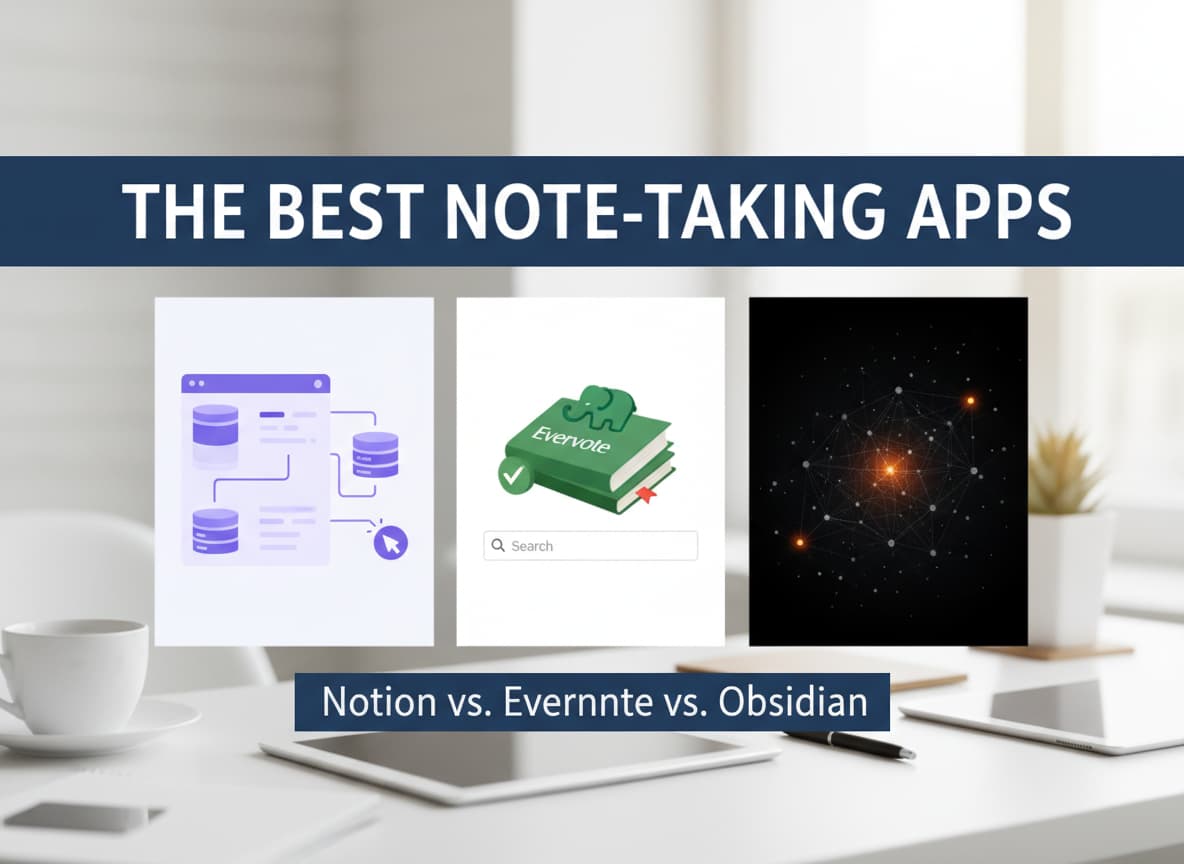
These three apps are very different. One is like a box of Legos. One is like a digital filing cabinet. And one is like a spiderweb for your thoughts. This guide will explain the differences in simple English so you can pick the perfect one for your life.
1. Notion: The “All-in-One” Workspace
Notion is not just a note-taking app. It is a tool that tries to do everything. You can use it to write notes, manage projects, build a website, or even run a small company.
How It Works
Imagine a blank piece of paper that can turn into anything. In Notion, you build your pages using “blocks.” A block can be a paragraph of text, a checklist, an image, or a video. You can drag and drop these blocks anywhere you want.
The most powerful feature in Notion is the Database. You can create a table of information and then view that same information as a calendar, a timeline, or a board (like Trello).
Best Features
- Databases: You can organize your notes like a spreadsheet but make them look beautiful.
- Collaboration: It is excellent for teams. Multiple people can work on the same page at the same time, just like Google Docs.
- Templates: You do not have to start from scratch. There are thousands of free templates for things like “Student Planner,” “Habit Tracker,” or “Reading List”.
- AI Tools: Notion has built-in AI that can summarize your notes, fix your grammar, or help you brainstorm ideas.
The Downsides
Because Notion can do so much, it can be overwhelming. When you first open it, you might not know where to start. It can also be a little slow on mobile phones compared to simpler apps. Also, your data lives on Notion’s servers, so you cannot use it well without the internet.
Who is it for? Notion is best for students, project managers, and people who want to organize their entire life in one place.
2. Evernote: The Digital Filing Cabinet
Evernote is the grandfather of note-taking apps. It has been around for a long time and is famous for being reliable. Its goal is simple: capture everything quickly and find it easily later.
How It Works
Think of Evernote as a traditional notebook or a filing cabinet. You create “Notebooks,” and inside those notebooks, you put “Notes.” It follows a structure that everyone understands immediately.
Evernote is not trying to be a project manager like Notion. It focuses purely on capturing information. It has a powerful search feature that can even find text inside images or PDFs.
Best Features
- Web Clipper: This is widely considered the best in the business. You can click a button in your browser to save an entire webpage, an article, or a screenshot directly to your notes.
- Document Scanning: The mobile app has a built-in camera that scans paper documents, receipts, and business cards and turns them into digital notes.
- Audio Recording: You can record meetings or lectures directly inside a note while you type.
- Offline Access: Unlike Notion, Evernote makes it very easy to access your notes even when you have no internet connection (on paid plans).
The Downsides
The biggest problem with Evernote is the price. The free plan is very limited—you can only use it on two devices (like your phone and one computer). The paid plans have become quite expensive compared to other apps. Also, it is not as customizable as the others; you have to work the way Evernote wants you to work.
Who is it for? Evernote is best for professionals, consultants, and anyone who needs to store a lot of documents, receipts, and web articles and find them quickly.
3. Obsidian: The Second Brain
Obsidian is the newest player on this list, and it is completely different from the others. It is designed for “knowledge management.” It treats your notes like a network of connected ideas.
How It Works
Obsidian saves your notes as simple text files (called Markdown) directly on your computer, not in the cloud. This means you own your data completely.
The magic of Obsidian is Linking. You can easily link one note to another, just like Wikipedia pages link to each other. Over time, you create a web of connections. It even has a “Graph View” that looks like a galaxy, showing you how all your ideas connect visually.
Best Features
- Privacy and Ownership: Your files live on your device. If Obsidian disappears tomorrow, you still have all your notes as simple text files.
- Backlinking: This feature helps you connect ideas. If you write a note about “Productivity,” you can link it to a note about “Habits,” helping you see patterns in your thinking.
- Speed: Because the files are local text files, the app is incredibly fast. It opens instantly and never lags.
- Canvas: This is a limitless whiteboard where you can drag and drop notes, draw lines between them, and brainstorm complex topics visually.
The Downsides
Obsidian has a “steep learning curve.” It does not look very pretty out of the box, and you might need to learn a little bit of tech language (Markdown) to format your text. Also, syncing your notes between your computer and phone is not free; you usually have to pay for their sync service or set up a complex workaround.
Who is it for? Obsidian is best for researchers, writers, coders, and “deep thinkers” who want to build a personal knowledge base over many years.
Comparison: Which One Wins?
To make it easy, let’s compare them in key areas.
Ease of Use
- Evernote: Very Easy. It works just like a normal notebook.
- Notion: Medium. It takes time to learn how to use “blocks” and databases.
- Obsidian: Hard. It is for people who like to tinker and customize things.
Organization Style
- Notion: Structured hierarchy. Great for projects with clear steps.
- Evernote: Notebooks and Tags. Great for storage and retrieval.
- Obsidian: Networked links. Great for connecting random ideas.
Cost (Free Plans)
- Notion: Very generous free plan. You can do almost everything for free as a single user.
- Obsidian: 100% free for personal use on one device. You only pay if you want easy syncing or to publish your notes online.
- Evernote: The free plan is very strict. It limits how many notes you can make and how many devices you can use.
Final Verdict: How to Choose
There is no single “best” app. The right choice depends on how your brain works.
Choose Notion if: You want to manage projects, track tasks, and create beautiful documents. It is perfect if you want one app to organize your work and personal life together. It is the best choice for planners and teams.
Choose Evernote if: You want a digital dumping ground. If you constantly clip web pages, scan receipts, and take quick voice notes, Evernote is still king. It requires the least amount of setup. It is the best choice for busy professionals and collectors.
Choose Obsidian if: You are writing a book, doing research, or studying a complex subject. If you care about privacy and want to keep your notes forever without relying on a company’s server, this is the one. It is the best choice for writers and thinkers.
The best way to decide is to download the free versions of all three. Try writing one note in each. You will usually know within five minutes which one feels “right” for you. Happy note-taking!













Post Comment