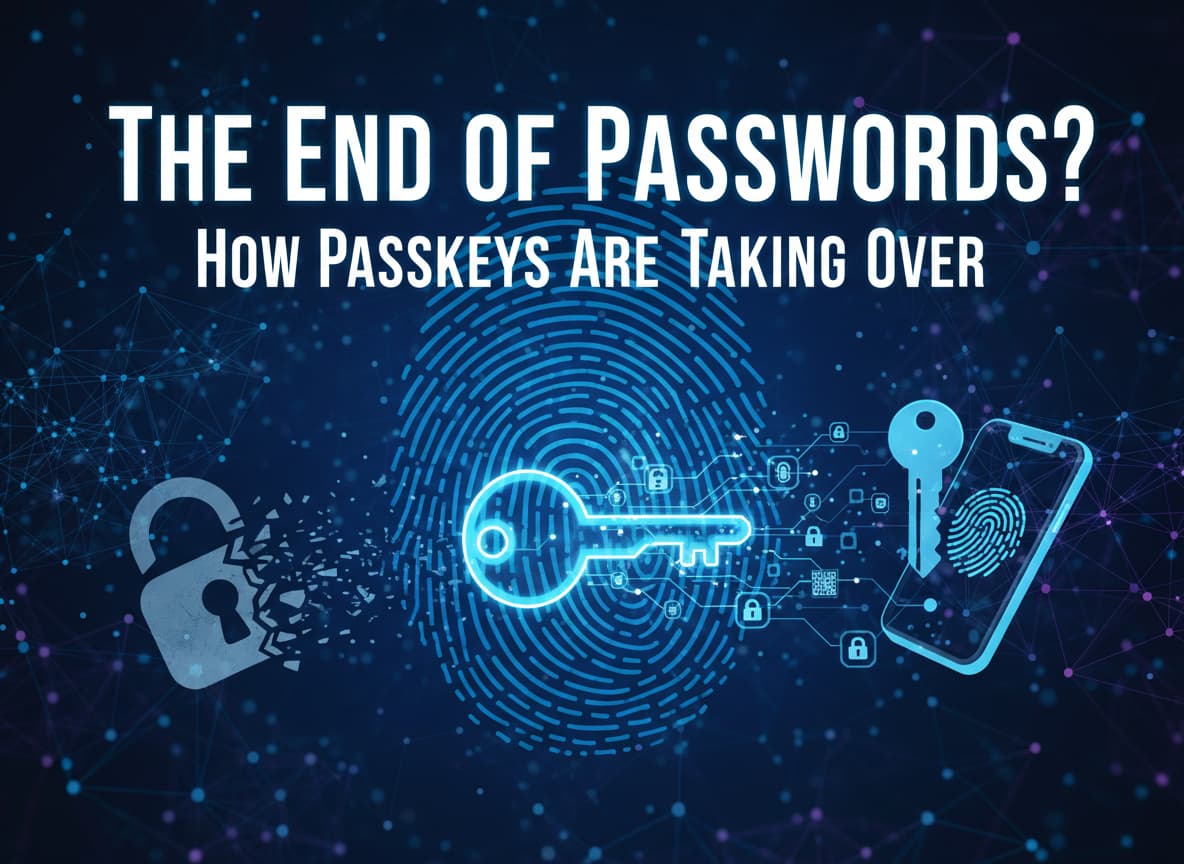
The End of Passwords? How Passkeys Are Taking Over
We have all been there. You try to log in to your bank account or favorite shopping site, but you cannot remember your password. Was it P@ssword123? Or maybe MyDogName$2024? You try three times, get locked out, and have to spend 15 minutes resetting it through your email.
It is frustrating, it is slow, and surprisingly, it is not very safe.
For decades, we have relied on passwords to protect our digital lives. But in 2025, that era is finally coming to an end. A new technology called Passkeys is taking over, and it promises to fix almost everything that is wrong with the way we log in.
Major companies like Google, Apple, Microsoft, and Amazon have already switched to this new standard. If you have updated your iPhone to the new iOS 26 or logged into your Google account recently, you might have already used a passkey without even knowing it.
This guide will explain exactly what passkeys are, why they are safer than passwords, and how you can start using them today to make your online life easier and more secure.
What Is a Passkey? (Explained Simply)
To understand a passkey, you have to stop thinking about “secrets” that you memorize.
A password is a shared secret. You create a secret code (like “Pizza123”) and you tell it to a website (like Facebook). Facebook saves that code in their database. When you log in, you type the code again, and Facebook checks if it matches. The problem is, if hackers steal Facebook’s database, they steal your secret.
A passkey is different. It is based on Public Key Cryptography. This sounds complicated, but think of it like a special lock and key:
- The Lock (Public Key): When you create an account, your phone creates a digital “lock” and sends it to the website. The website keeps this lock on their server. It is useless on its own.
- The Key (Private Key): Your phone also creates a matching digital “key.” This key never leaves your phone. It is never sent to the website. It is stored securely inside your device’s safety chip.
When you want to log in, the website sends a challenge (a math puzzle) to your phone. Your phone uses its private Key to solve the puzzle and sends the answer back. The website uses the Lock to check if the answer is correct.
If it matches, you are logged in.
The best part? You don’t do any of this math. All you do is look at your phone (Face ID) or touch the fingerprint sensor. Your phone does the rest instantly.
Why Are Passwords Dying?
You might wonder, “If passwords work, why change them?” The truth is, passwords are the weakest link in our security.
1. The Phishing Problem
“Phishing” is when a hacker sends you a fake email that looks like it is from your bank. You click a link, go to a fake website, and type in your password. The hacker now has your password.
Passkeys solve this completely. Because your phone knows exactly which website the passkey belongs to, it will refuse to use the key on a fake website. Even if the fake site looks perfect to you, your phone knows it is a trap and will not unlock.
2. The Data Breach Problem
Every week, we hear news about a big company getting hacked. If they have your password saved (even if it is scrambled), hackers can eventually figure it out.
With passkeys, the website only has your “Lock” (Public Key). If hackers steal the Lock, they cannot do anything with it. They cannot use it to log in to your account. Your “Key” is safe in your pocket.
3. The Memory Problem
We have too many accounts. The average person has over 100 logins. It is impossible to remember 100 strong, unique passwords. So, people reuse the same password everywhere. This is dangerous. Passkeys are unique by default. You never have to remember them, so “forgetting your password” becomes a thing of the past.
The State of Passkeys in 2025
We are currently in a huge transition period. In late 2025, passkeys have moved from being a “cool experiment” to the standard way of logging in.
The “Big Tech” Push
- Apple: With the release of iOS 26 in September 2025, Apple changed the game. (Note: Apple shifted to naming their OS after the upcoming year, so we jumped from iOS 18 to iOS 26). They introduced “Credential Exchange,” which finally makes it easy to share passkeys between devices.
- Google: Google has made passkeys the default for all personal accounts. When you sign in to a new Android phone, it automatically asks if you want to create a passkey.
- Amazon & E-commerce: Shopping sites love passkeys because they are faster. Amazon reports that people sign in 30% faster with passkeys compared to typing passwords.
Cross-Platform Freedom
For a long time, the biggest problem was moving between brands. If you had an iPhone and a Windows PC, using a passkey was annoying.
That has changed this year. The FIDO Alliance (the group of companies that sets the rules) introduced a new feature called Credential Exchange. This allows you to securely send a passkey from your iCloud Keychain to your Google Password Manager, or to a third-party app like 1Password or Bitwarden.
Now, you are not “locked in” to one phone brand. You can take your digital keys with you.
How to Start Using Passkeys Today
Ready to switch? It is easier than you think. You do not need to download special hacking software. You just need your phone.
1. Enabling Passkeys on Google
Google is the easiest place to start because you probably use it every day.
- Go to your Google Account settings (myaccount.google.com).
- Click on Security.
- Look for “How you sign in to Google” and tap Passkeys.
- Tap “Create a passkey”.
- Your phone will ask for your fingerprint or face scan.
- Done! Next time you log in, you just scan your finger.
2. Enabling Passkeys on Amazon
- Open the Amazon app or website.
- Go to Your Account > Login & Security.
- Select Set up a Passkey.
- Follow the prompt to authenticate with Face ID or Touch ID.
- Now you can buy things without ever typing your password.
3. Using a Third-Party Manager (Recommended)
If you want the most freedom, use a dedicated password manager app like 1Password, Bitwarden, or Dashlane.
- These apps store your passkeys in their own secure cloud.
- This means if you switch from an iPhone to a Samsung Galaxy next year, you just install the app, and your passkeys are there.
- Most of these apps have free versions that support passkeys perfectly.
The Cons: What You Need to Watch Out For
Is everything perfect? Not quite. There are still a few things you should know before you delete all your old passwords.
1. Losing Your Device
Since the “Key” lives on your phone, what happens if you lose your phone?
- Cloud Sync: If you use Apple (iCloud Keychain) or Google (Password Manager), your passkeys are backed up to your cloud account. If you buy a new phone and log in with your Apple ID or Google Account, your passkeys come back automatically.
- Hardware Keys: If you use a physical USB key (like a YubiKey) and you lose it, you are locked out. You should always have a backup method, like a second phone or a backup code printed on paper.
2. Shared Devices
Passkeys are designed for personal devices. If you share a family iPad or a work computer, passkeys can be a little tricky. You have to be careful not to create a passkey on a computer that strangers use, or they might be able to log in to your account just by scanning their own finger if the setup is wrong.
3. Not Every Website Supports It Yet
While the big giants (Google, Amazon, Microsoft, eBay) support passkeys, your local pizza shop or small forum might not. We will be living in a “hybrid” world for a few years where you use passkeys for the big stuff and passwords for the small stuff.
Conclusion: The Future is Passwordless
The password had a good run. It served us well for the early days of the internet. But in a world of deepfakes, AI hackers, and massive data breaches, it is simply too old to keep us safe.
Passkeys are the upgrade we have been waiting for. They are faster, easier, and much harder for bad guys to crack.
Your Action Plan:
- Update your phone to the latest software (iOS 26 or Android 16).
- Go to your Google and Amazon settings today and turn on passkeys.
- Try it out. You will be amazed at how nice it is to log in with just a smile.
The transition might take a little time to get used to, but once you stop typing passwords, you will never want to go back. Welcome to the passwordless future.














Post Comment