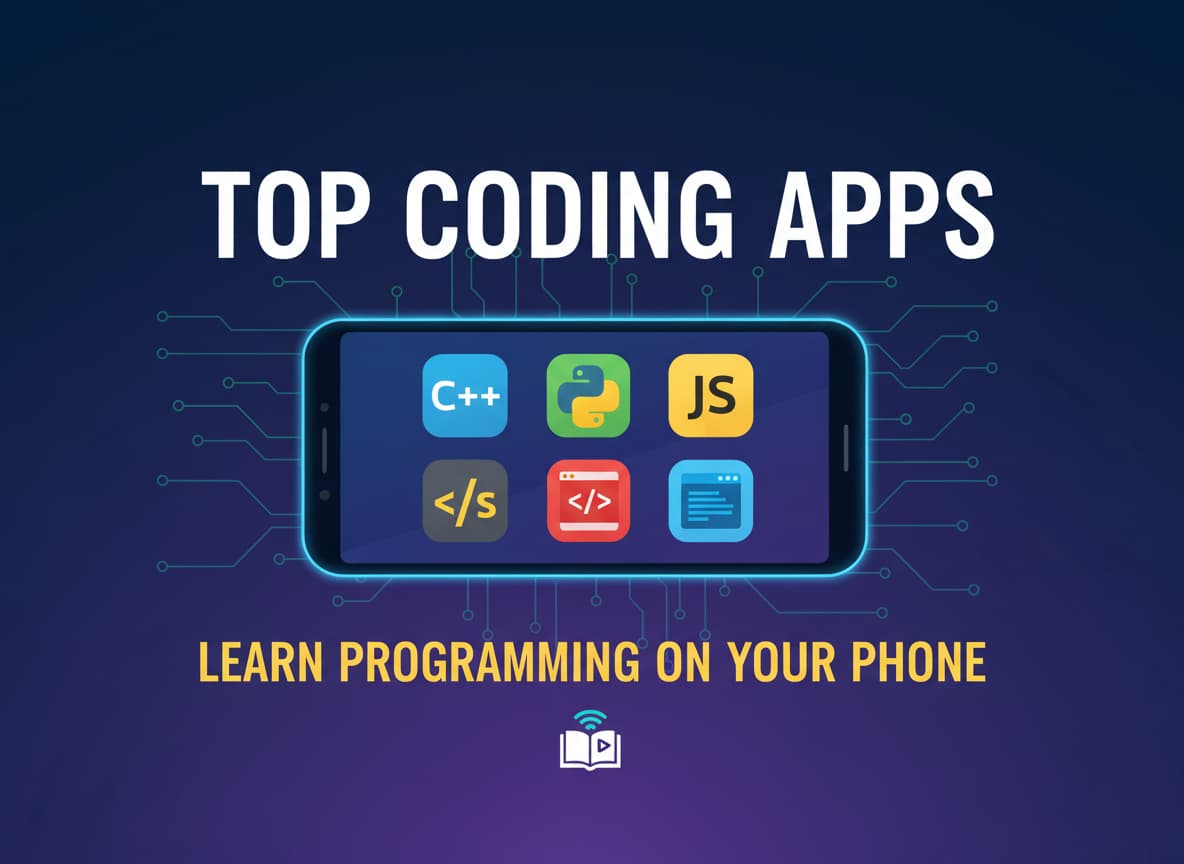
Top Coding Apps to Learn Programming on Your Phone
- Important Warning: Don't Look for "Grasshopper"
- 1. Sololearn: Best for Social Learners
- 2. Mimo: Best for Gamified Learning
- 3. Programming Hub: Best for Offline Learning
- 4. Enki: Best for Daily Habits & Data Science
- 5. Programming Hero: Best for Visual Learners
- Honorable Mentions
- Conclusion: Which One Should You Download?
Learning to code used to mean sitting at a desk with a heavy laptop for hours. In late 2025, that has changed completely. Now, you can learn Python on the bus, practice JavaScript while waiting for coffee, or build simple websites right from your pocket.
Smartphones have become powerful enough to run real code editors, and app developers have created amazing tools to make learning fun. Whether you want to change careers, build your own app, or just learn a new hobby, there is an app for you.
This guide will show you the best coding apps available right now. We will look at their features, their prices, and who they are best for.
Important Warning: Don’t Look for “Grasshopper”
Before we start the list, a quick warning. If you search online for “best coding apps,” many old articles will tell you to download an app called Grasshopper by Google.
Do not look for it. Google officially shut down the Grasshopper app in June 2023. It no longer works. If you see a guide recommending it in 2025, that guide is outdated. The apps listed below are all active, updated, and ready for you to use today.
1. Sololearn: Best for Social Learners
If you like learning with other people, Sololearn is the best choice. It feels like a social network for coders. It has a huge community of millions of learners who help each other fix bugs and share ideas.
How It Works Sololearn breaks complex coding topics into small, easy-to-read cards. After every few cards, you get a quiz to test your memory. The best part is the “Code Playground.” This is a built-in mobile code editor where you can write and run real code on your phone. You can even see projects created by other users and “remix” them to see how they work.
Key Features:
- Huge Course Library: You can learn Python, Java, C++, C#, HTML, CSS, and even SQL.
- Community Support: If you get stuck on a question, you can check the “Comments” section. usually, another student has already explained the answer perfectly.
- Code Battles: You can challenge other users to real-time coding quizzes to test your speed.
Pricing: The basic version is free, but it has ads and limits your practice hearts. The “Pro” version costs about $6.99 per month or $47.99 per year. It removes ads and gives you unlimited practice.
2. Mimo: Best for Gamified Learning
If you love Duolingo, you will love Mimo. It uses the same “gamified” style to teach you coding. It is colorful, friendly, and very addictive.
How It Works Mimo doesn’t bore you with long lectures. Instead, it gives you bite-sized exercises that take just a few minutes. You drag and drop blocks of code to solve puzzles. It focuses heavily on Web Development (HTML, CSS, JavaScript) and Python.
In 2025, Mimo added a powerful “AI Tutor” feature. If you don’t understand why your code is wrong, you can tap a button, and the AI will explain the mistake to you in simple English.
Key Features:
- Streaks and Hearts: The app encourages you to code every day to keep your “streak” alive.
- Certificates: When you finish a course, you get a certificate that you can share on LinkedIn.
- Career Paths: It has structured paths like “Full-Stack Developer” that guide you from zero knowledge to job-ready skills.
Pricing: Mimo is free to start. Mimo Pro costs around $9.99 per month (or less if you pay yearly). There is also a “Max” tier with more AI features for about $24.99 per month.
3. Programming Hub: Best for Offline Learning
One of the biggest problems with mobile apps is that they usually need the internet. If you are on a plane or have bad data, you can’t learn. Programming Hub solves this.
How It Works Programming Hub is designed to be a serious learning tool. It uses a technique called “Kolb’s learning cycle” to help you understand difficult concepts faster. The lessons are like interactive stories rather than boring textbooks.
Most importantly, it has a strong Offline Mode. You can download your courses and learn anywhere, even without Wi-Fi.
Key Features:
- Massive Library: It offers courses on almost everything, including Ethical Hacking, AI, and App Development.
- Text-to-Speech: The app can read the lessons out loud to you, which is great if you are commuting.
- Verified Certificates: Like Mimo, it offers certificates when you complete a course.
Pricing: Programming Hub has a free version with limited content. The “Pro” membership unlocks all 100+ courses and offline mode. It usually costs around $10 per month, but they often have lifetime deals on sale.
4. Enki: Best for Daily Habits & Data Science
Enki is different from the other apps. It acts more like a digital mentor than a classroom. It is perfect for people who already know a little bit of code and want to get better.
How It Works Enki gives you a “Daily Workout.” This is a short set of questions and articles tailored to your skills. It is very popular for learning Data Science, SQL, and Spreadsheets, not just standard coding.
It uses “Spaced Repetition.” This means the app remembers what you got wrong and asks you that same question again a few days later to make sure you really learned it.
Key Features:
- Mentor Style: It tracks your goals and pushes you to learn a little bit every day.
- Deep Topics: It covers advanced topics like Git, Linux, and Blockchain, which other beginner apps usually skip.
- Team Learning: You can connect with coworkers or friends to track each other’s progress.
Pricing: Enki has a free tier with basic daily lessons. The Pro plan is approximately $7.99 per month.
5. Programming Hero: Best for Visual Learners
Coding can be boring if you just stare at text all day. Programming Hero changes this by making the whole experience look like a video game.
How It Works The theme of the app is space exploration. As you learn to code, you build your own game. It is incredibly visual and funny. The developers use memes, jokes, and colorful graphics to explain hard concepts like variables and loops.
This app is fantastic for teenagers or anyone who finds standard textbooks too dry. By the end of the course, you will have actually built a working game that you can play.
Key Features:
- Build Your Own Game: The final project is a real game, not just a boring calculator app.
- Instant Help: It has a forum where you can ask questions if the “game” gets too hard.
- Super Fun UI: The design is bright, colorful, and engaging.
Pricing: The app is free to try. The Premium version costs $9.99 per month or $39.99 per year.
Honorable Mentions
These apps are also great, but they serve a slightly different purpose.
- Codecademy Go: This is not a standalone learning app. It is a “companion” app for the popular Codecademy website. It is great for reviewing what you learned on your computer, using flashcards, and maintaining your daily streak, but you cannot do heavy coding on it.
- Khan Academy: This app is completely 100% free forever. It has amazing computer science videos and articles. However, the mobile app does not let you write and run code interactively like Sololearn or Mimo does. It is best for watching tutorials.
Conclusion: Which One Should You Download?
The “best” app depends on your personal goal:
- Choose Sololearn if you want a free place to start and like talking to a community.
- Choose Mimo if you want a fun, game-like experience that keeps you addicted to learning.
- Choose Programming Hub if you travel often and need offline access.
- Choose Enki if you want to learn Data Science or professional skills like SQL and Git.
- Choose Programming Hero if you want to build a game and prefer a visual, funny style.
The most important step is simply to start. Download one of these apps today, spend 5 minutes on your first lesson, and you will be officially writing code!











Post Comment